Run tournaments with precision timing and seamless management
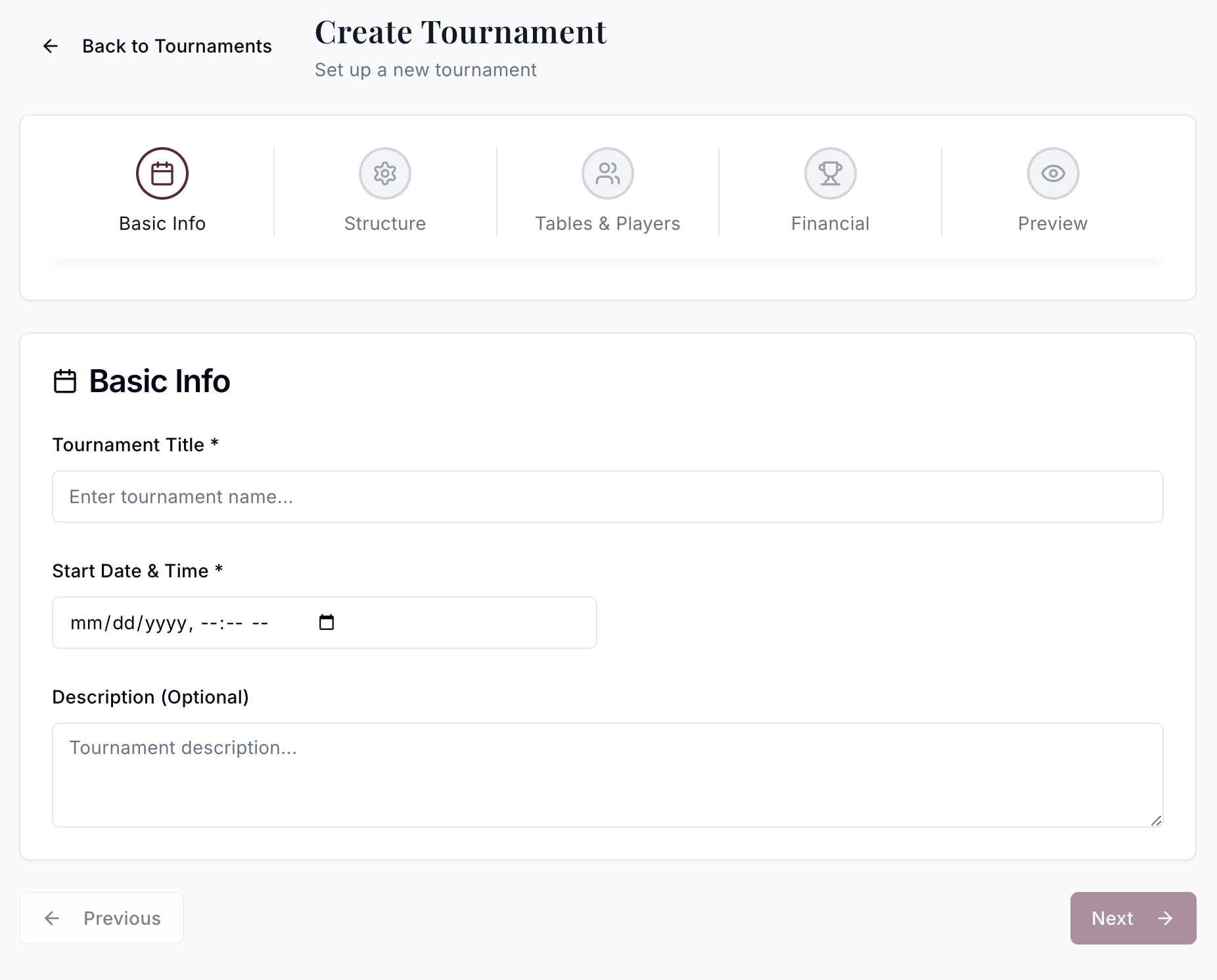
Create custom blind structures and formats
Create blind structures that match your tournament style. Set level durations, break intervals, and antes with complete flexibility. Save your structures as templates for recurring events. From turbo sit-and-gos to deep-stack main events, you control every detail.
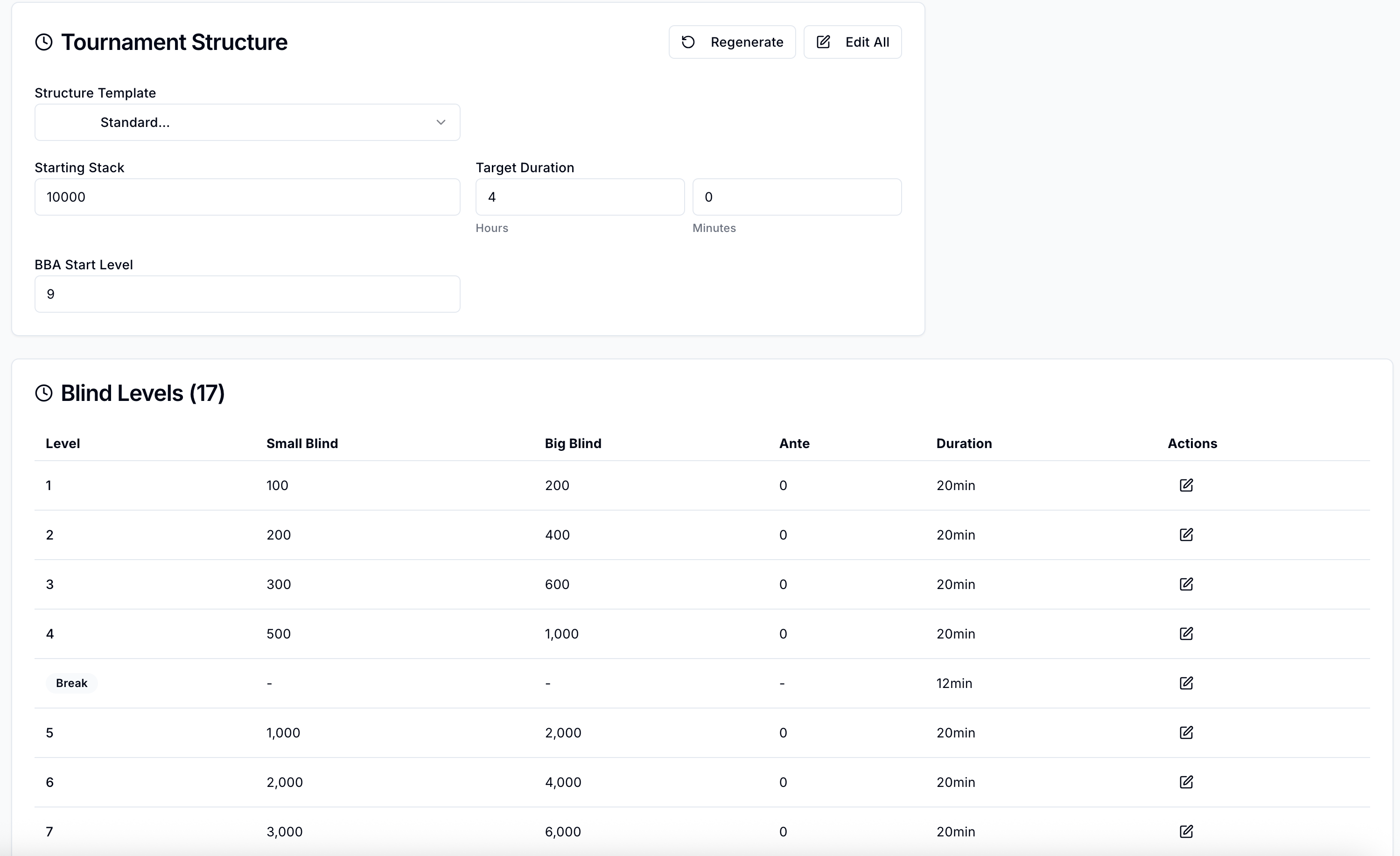
Run a live tournament clock
Give your tournament director a clock and seating workflow that stays in sync across devices. Players see the current level, blinds, next break, and players remaining. The clock syncs across devices, so your floor staff always has accurate information. Pause, adjust, or skip levels on the fly.
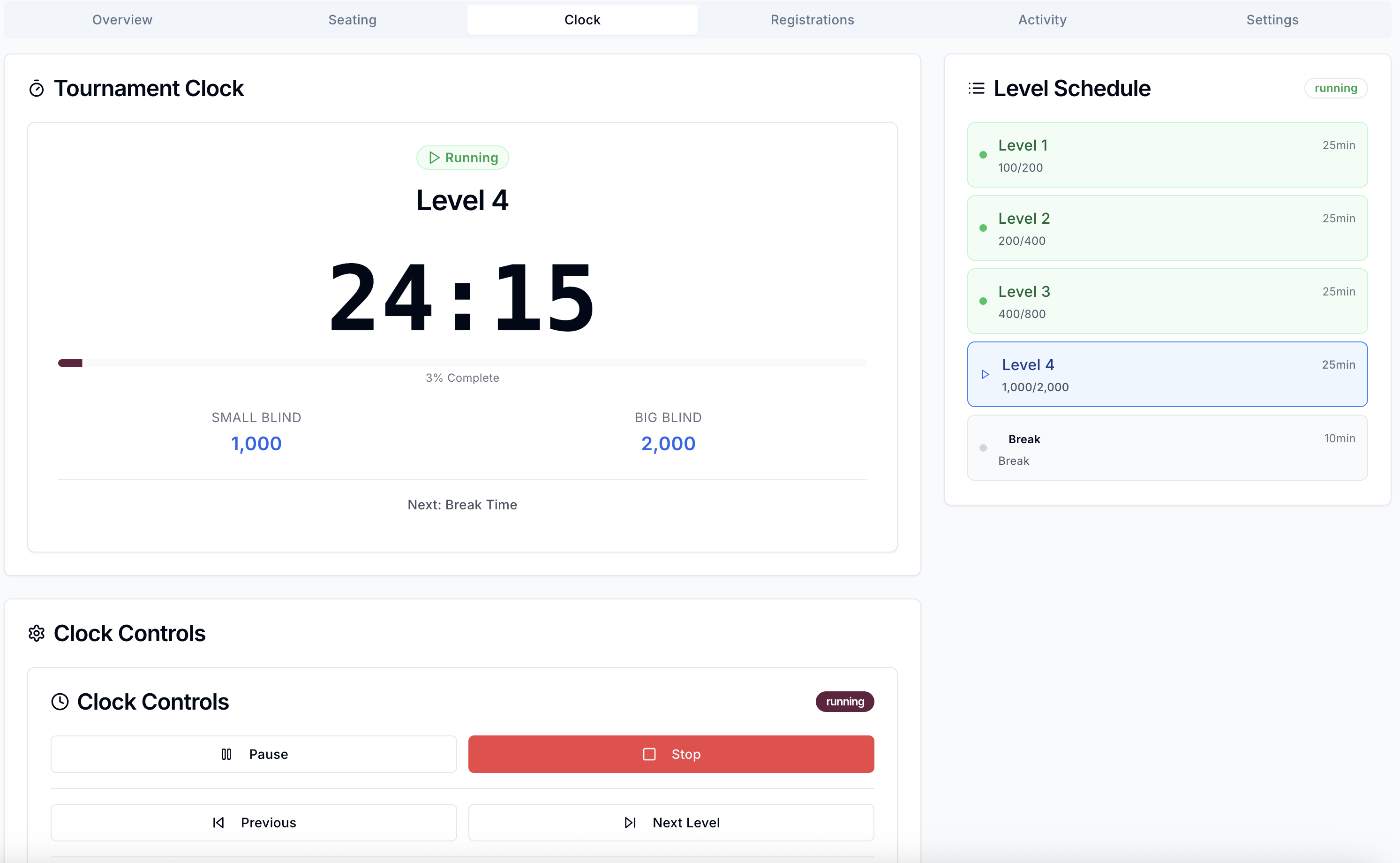
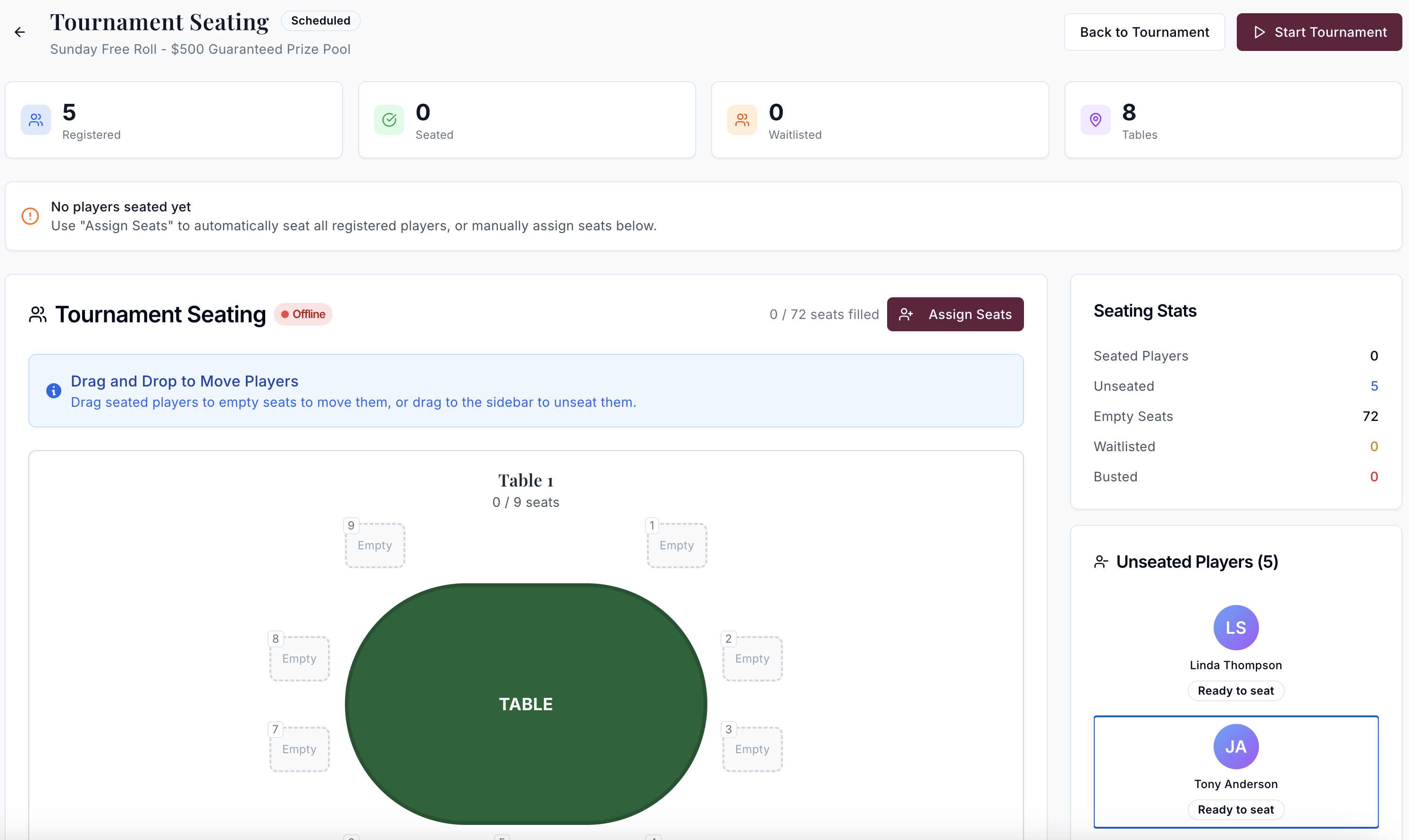
Seating, balancing, and table management
Assign seats randomly or manually. Balance tables as players bust out. Next Up Poker automatically tracks player ranking for final results!
Every format your room runs
Next Up Poker handles the tournament formats local rooms actually schedule. Freezeouts, rebuy/add-on structures, bounty tournaments (progressive and knockout), re-entry events, satellites, turbo and hyper-turbo, deep-stack, heads-up, and league events that track points across multiple sessions all ship as built-in options.
Each format carries its own rule set for late registration, re-entry windows, bounty accounting, and break scheduling. Pick the format, adjust the specifics for your room's structure, and save it as a template. The next time you run a weekly knockout, opening the template and confirming the start time is the whole setup.
One clock, every screen in the room
The tournament clock displays on any device with a browser: the TD station, a TV mounted on the wall, a tablet at the registration desk, a phone in the floor manager's pocket. Every screen stays in sync through a live websocket connection to the server, so when a level changes, every display updates at the same moment.
Level changes, breaks, color-ups, and table balances each take one action from the TD view. The rest of the room sees the update the moment you make it.
Online registration, built in
Specialist tournament-clock software is a back-office tool for the tournament director. It runs the clock and the structure, and its job ends at the laptop on the TD station. If a player wants to know what events are running next week, register for one, or see how full the field is getting, they call the front desk or wait until they walk in.
Next Up Poker publishes every scheduled tournament to your room's public website automatically. Players find upcoming events, register themselves from any device, and watch the seat count fill through the week. Your TD staff spends fewer hours taking registration calls, and the momentum builds where players can see it.
For the room, this means better turnout and a tournament schedule that sells itself. For your TD staff, the roster is mostly pre-filled before the first player walks through the door.
Tournament tools, asked and answered
A typical weekly event with rebuys, a bounty component, and a custom blind structure takes a few minutes to set up the first time. Save the structure as a template and future events start with one click. The defaults cover common formats, so you are not configuring from scratch every week.
The clock uses a live websocket connection to the server. Every device displaying the clock receives the same updates at the same moment, so the TD station, the TV on the wall, and the tablet at the registration desk all count down together. Level changes, break starts, and any other TD action propagate instantly to every screen.
Yes. The TD station, floor hosts, and dealers can all be signed in at once, each with the view that matters to their role. Floor staff see seating and table balance. The clock display shows blinds and break status. Front desk handles registrations and payouts. Same data, different views.
Next Up Poker flags imbalance as it develops and suggests the specific player to move based on stack size, position relative to the blinds, and your room's standard balancing rules. The host confirms the move, and the player's seat and stack information transfer automatically.
Blind structures can be built from scratch in the editor, or you can start from a saved template and adjust. If you have a structure from another tool you want to bring over, contact us and we will work through the import with you.
Specialist tournament-clock software lives on the TD's laptop. It runs the blind clock and the structure, and that is where its job ends. Next Up Poker runs the clock too, plus the online side: tournaments publish to your room's public website automatically, players register themselves from any device, and the seat count is visible to everyone watching. For rooms that want a full tournament schedule the public can find and fill, a specialist tool leaves half the job undone.
Ready to run your tournaments on Next Up?
Book a demo and we will walk through a full tournament setup for the structure and field size your room actually runs.